Eclipse’s extensibility through plug-ins is one of its greatest strengths, and the ecosystem for web development is surprisingly rich. There are many useful plug-ins available — a quick search will turn up dozens.
Here are some screenshots of the PHP plug-in I have been using. It provides a full development workflow without ever leaving the IDE:
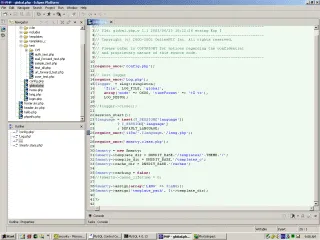 Editing PHP files — with syntax highlighting, code completion, and error checking.
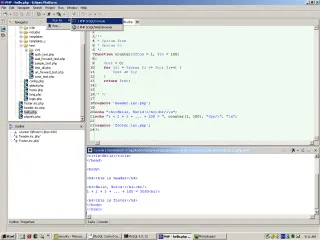 Running a PHP script directly from the editor.
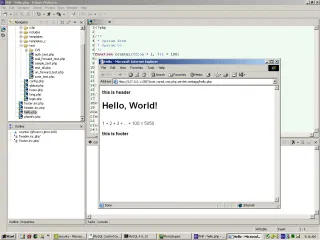 Running the script in Eclipse’s internal web server to preview the output in a browser-like view.
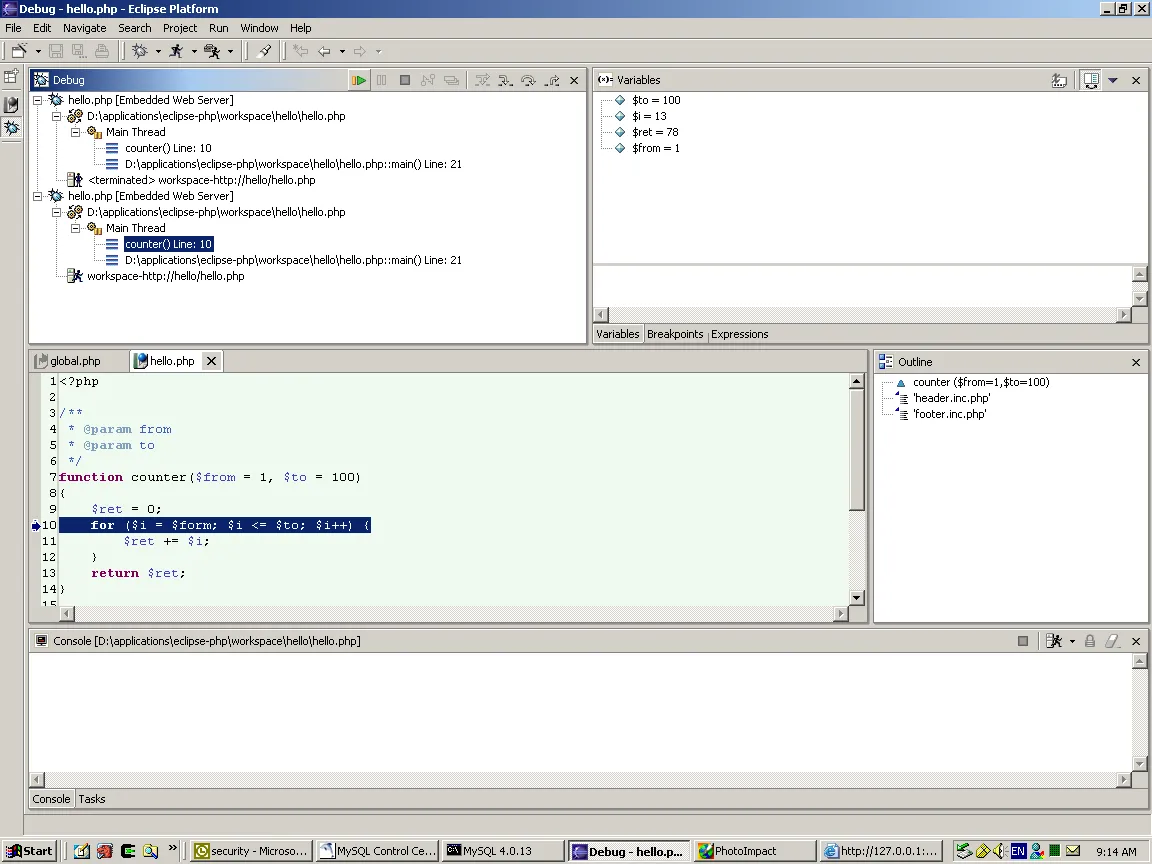 Step-through debugging with breakpoints, variable inspection, and call stack display.
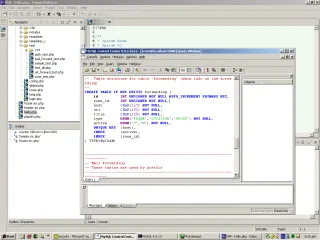 Working with MySQL through the integrated MySQL Control Center.